))
Creel
Your X data, in files you can use.
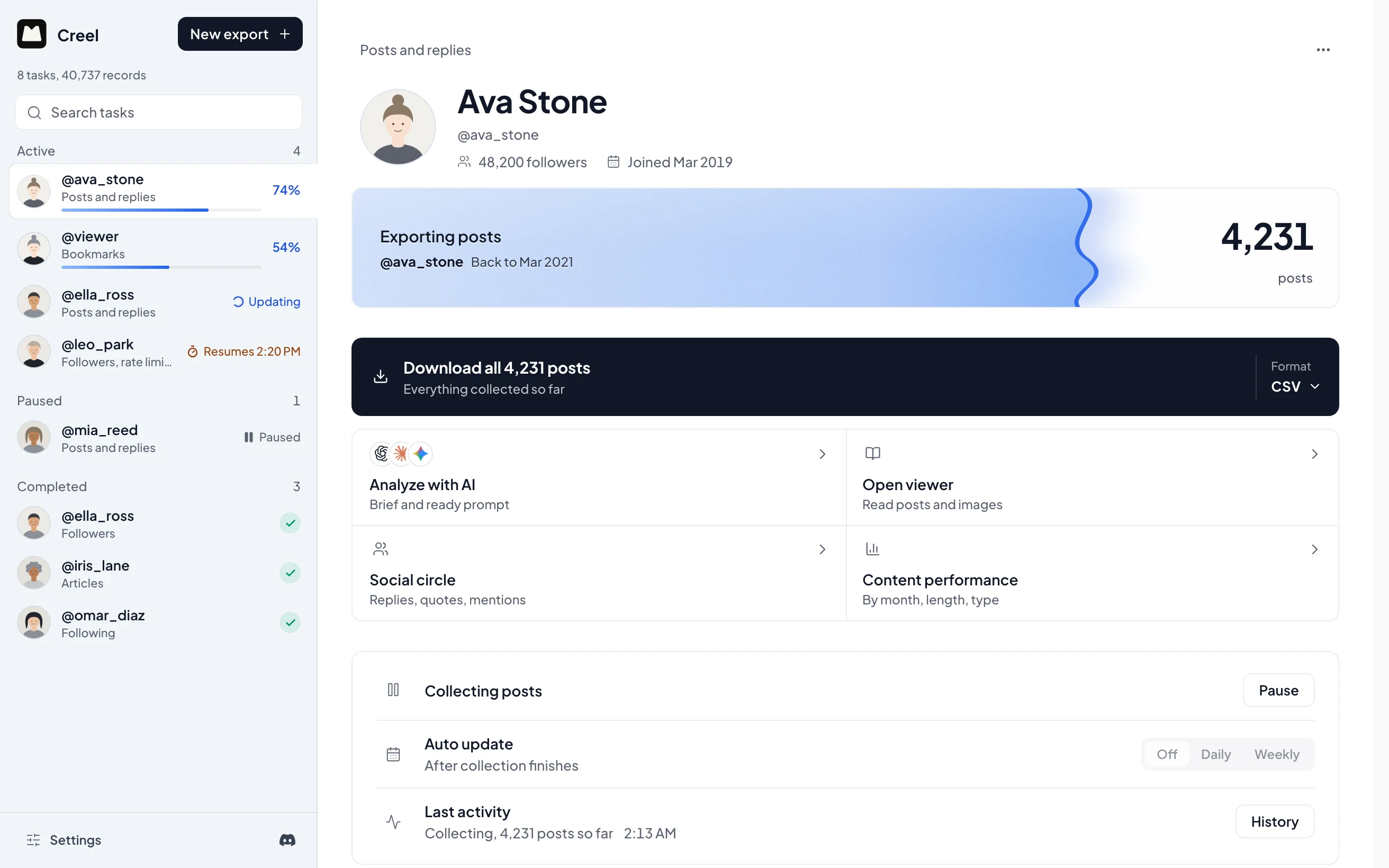
Creel is a local-first Chrome extension that collects posts, bookmarks, likes, followers and more from the X session you are already signed into, and exports them as spreadsheets, JSON, photos and videos, or a brief for your AI.
Features
What it does
See who an account really talks to
Every reply, quote and mention in an export becomes one map of the people around an account, with a ranked list beside it.

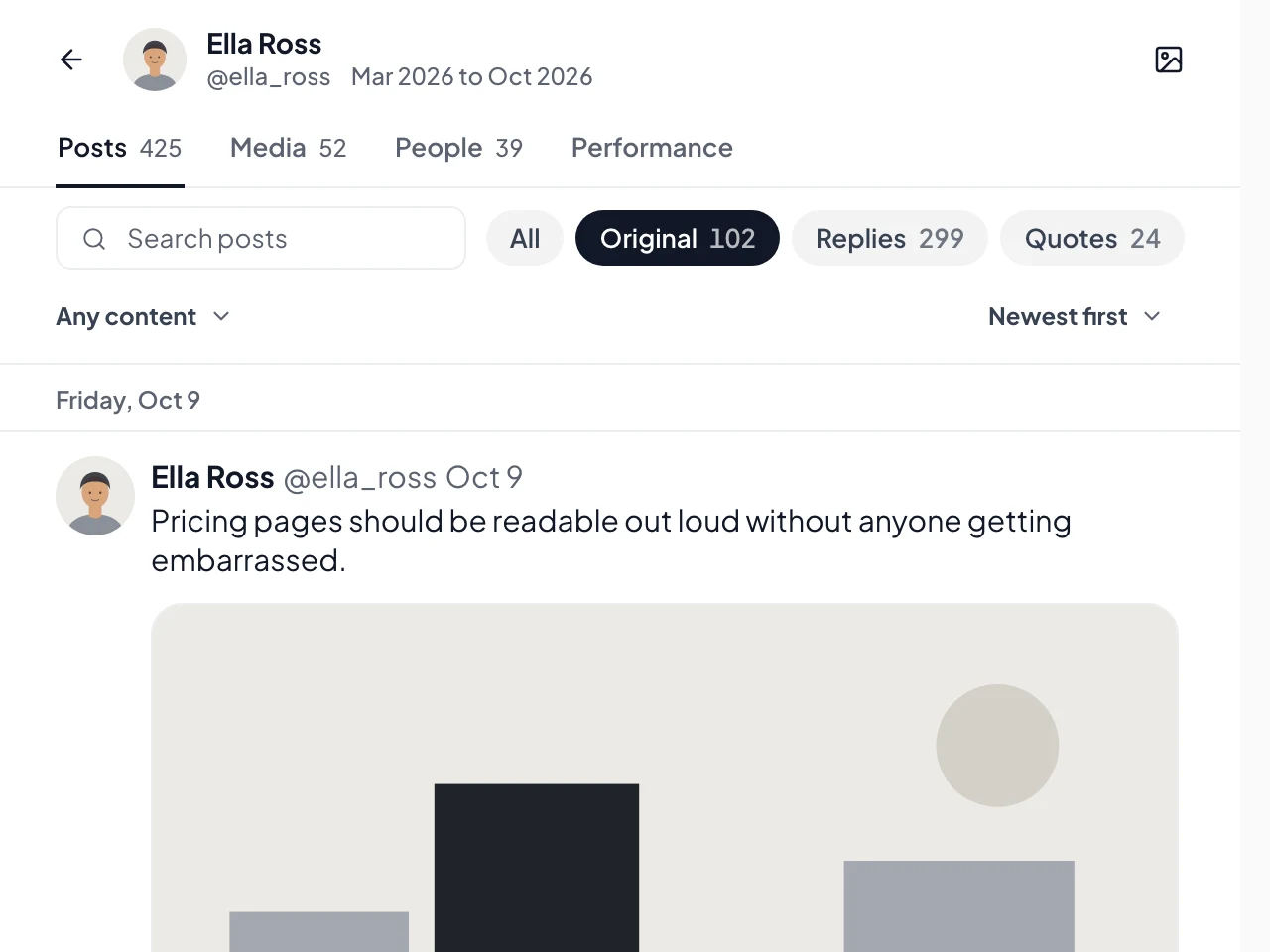
Read an export like a timeline
Open any export in the built-in viewer to search, filter and sort every post with its numbers, without leaving your browser.
Start from any X page
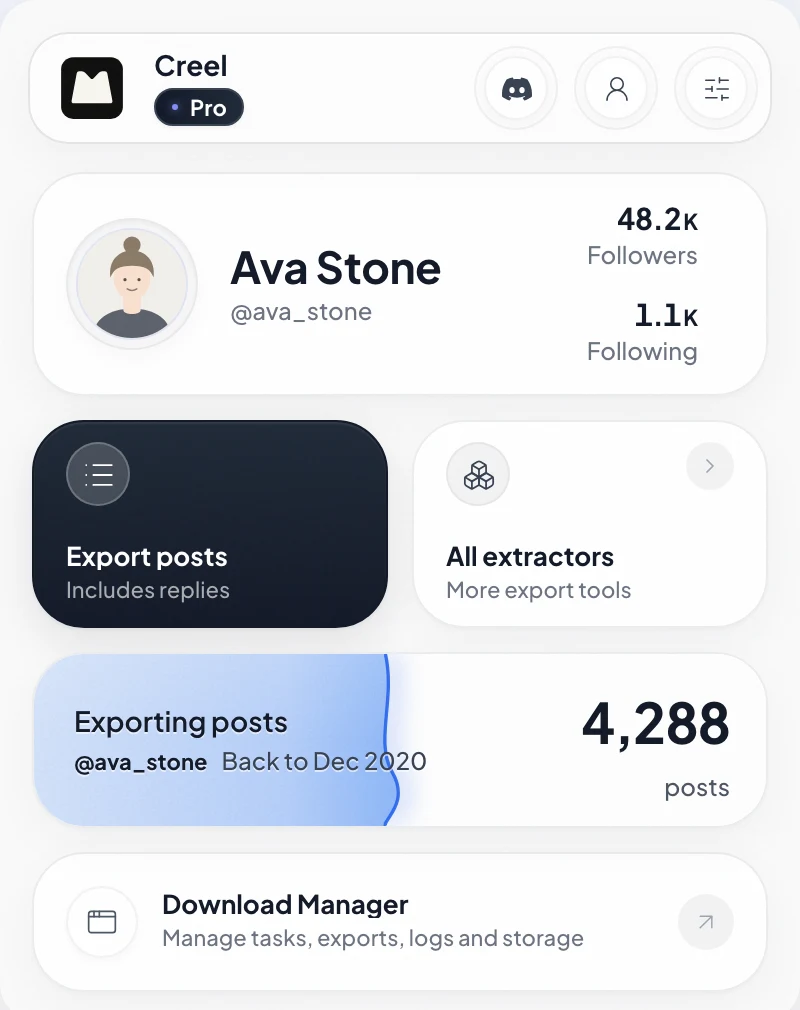
Open the popup on a profile, your bookmarks or your likes and start an export in one click.
Bookmarks and likes included
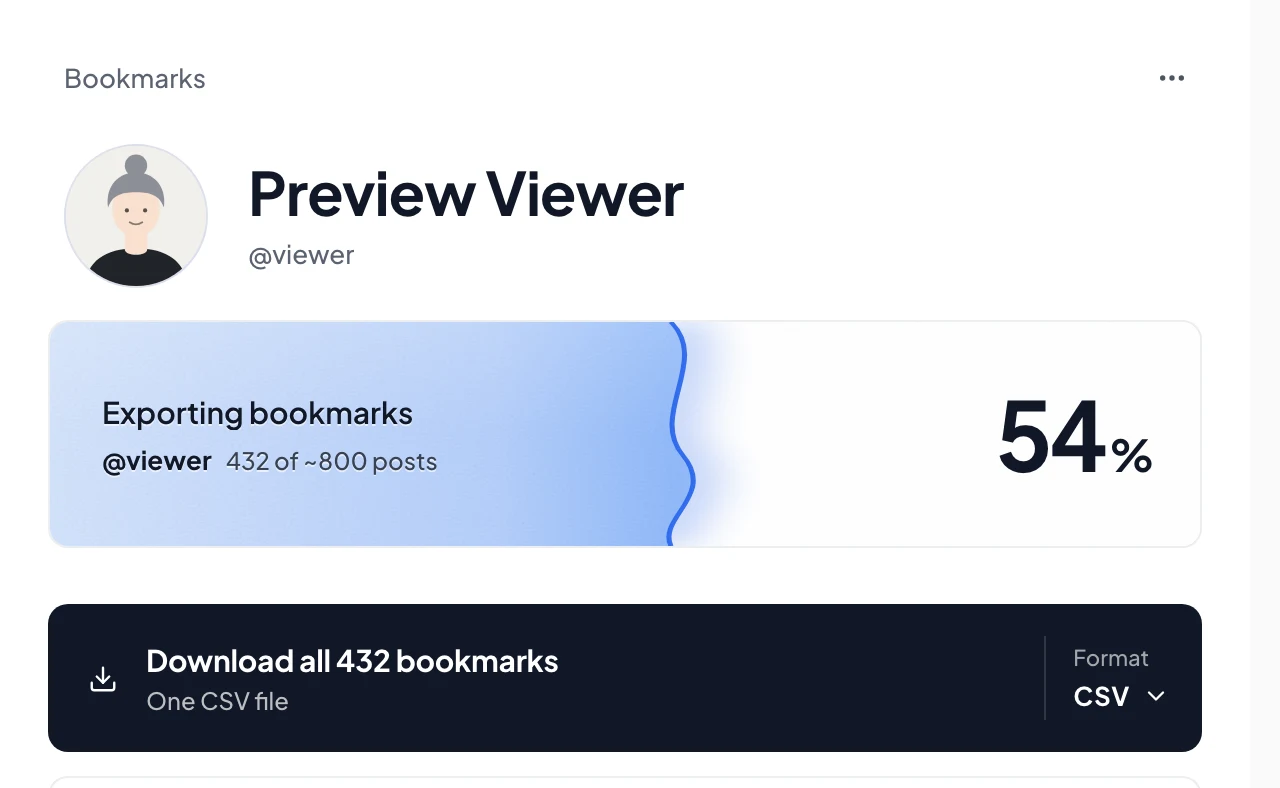
Collect the timelines X does not let you download, including bookmarks and likes.
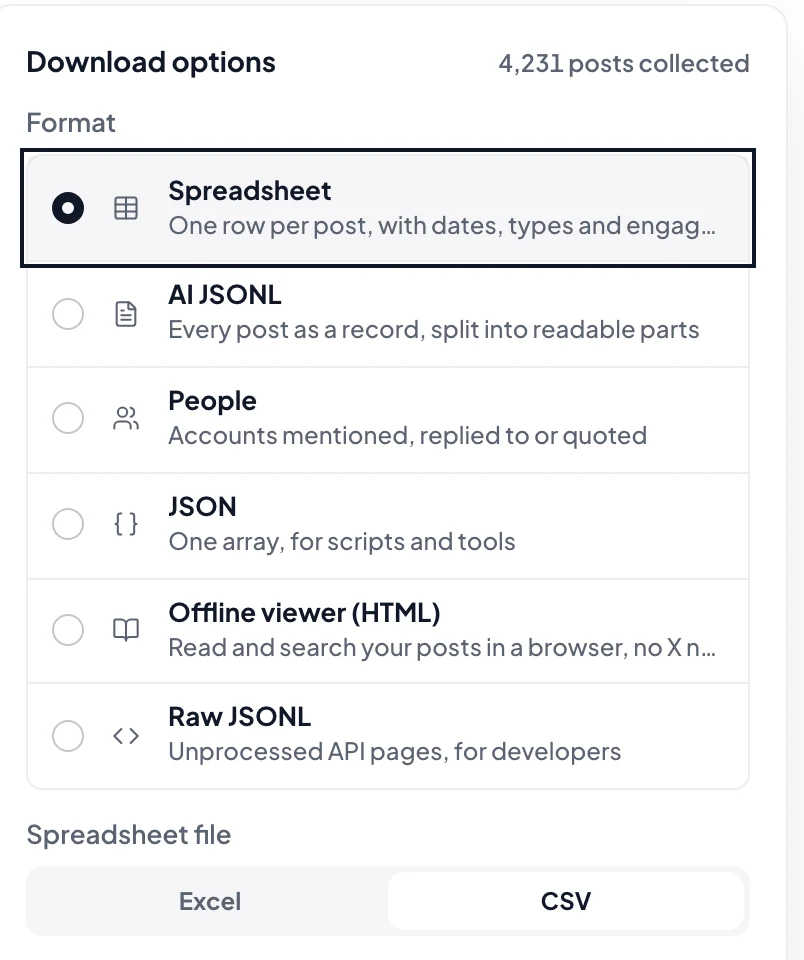
Formats that fit your workflow
CSV and Excel for spreadsheets, JSON for code, an offline viewer, and the photos and videos as plain files.
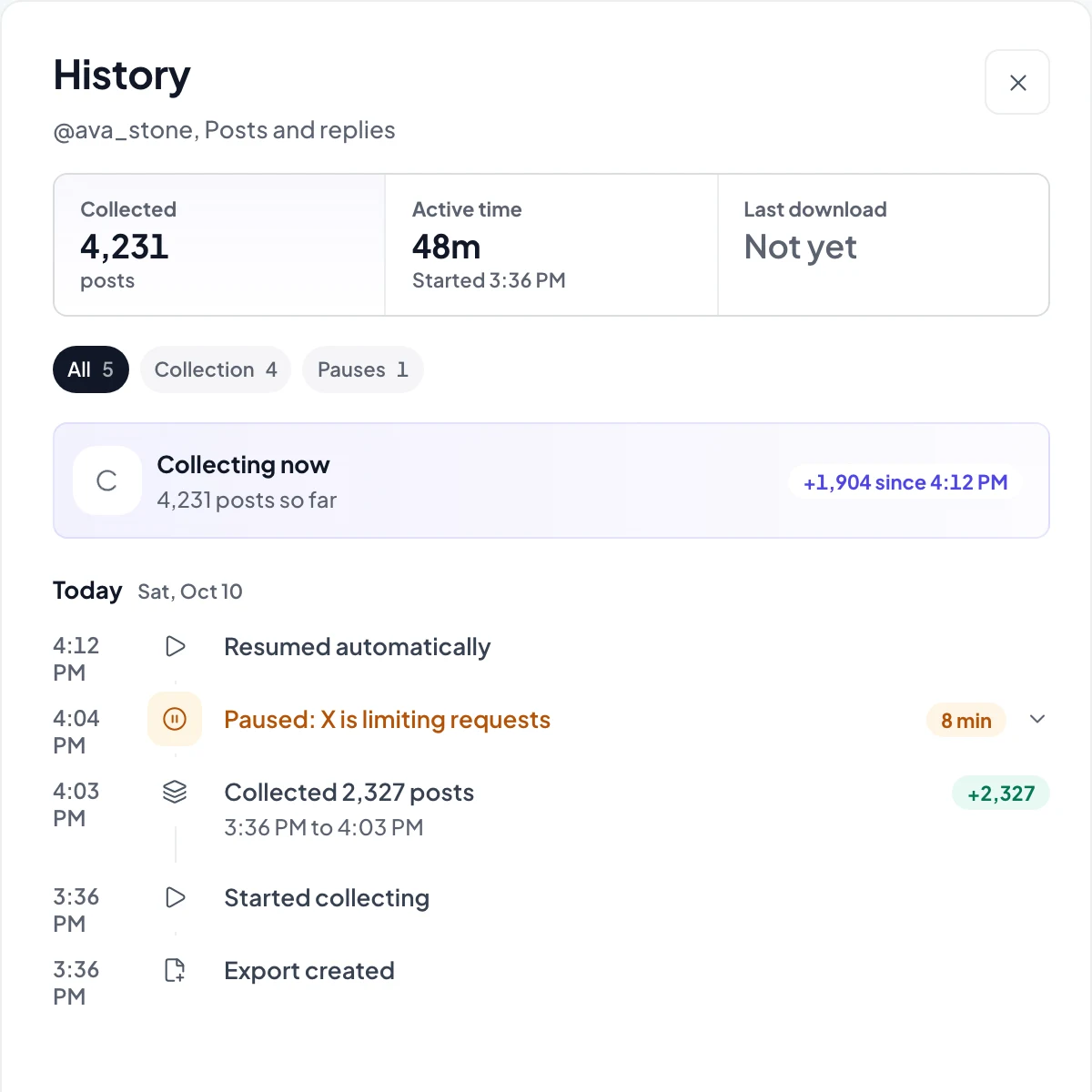
Long tasks, tracked locally
Big accounts take a while. Creel keeps going, waits out X's limits, resumes on its own and shows what happened.
Pro
A brief and a prompt for any AI
Pick an angle. Creel writes the brief and the prompt for ChatGPT, Claude or Gemini.

Your X data stays in your browser
X data, records, settings and export files never leave your browser for a Creel server. The optional licence check uses your Ensoul Lab account.
X data, collected directly
Collection and media requests go to X-owned domains. The only other request is the optional licence check with your Ensoul Lab account.
Why
Built this way on purpose
Local from the start
Task state, collected records, settings and export preparation stay in your browser.
No X data on our servers
The extension uses your existing X session. Records and exports stay local; only the optional licence check uses your Ensoul Lab account.
Direct access to X
Network requests go to X/Twitter-owned domains for collection, profile images and requested media exports, plus an optional Ensoul Lab account licence check.
Files that fit your work
CSV and Excel for spreadsheets, JSON for code, photos and videos as plain files, and a brief for your AI.
Pricing
Choose your access
Free
$0
No account needed
- Every export type and format
- Up to 1,000 records per task
- The viewer for every export
- Your 10 closest people in Social circle
- Search and filter any followers or following list
Pro
$19.99
One-time purchase, lifetime updates
- No Creel limit on records per task
- Go past X's ~3,200-post limit with deep extraction
- Coverage checks that fill the gaps X leaves
- Download photos, videos and media ZIPs
- All four AI analysis angles
- Your whole Social circle, with who is new and who is fading
Max
$29.99
One-time purchase, lifetime updates
- Everything in Pro
- Update in seconds with only what's new
- Daily or weekly updates while Chrome is open, with new followers, unfollows and deleted posts
- Two accounts compared side by side
- New Max features as they ship, included
One-time purchase. If it does not work on your account, ask for a refund within 7 days. Terms
Questions
Questions
Specifications
- Status
- Live
- Platform
- Chrome
- Pricing
- From $19.99
- Version
- 0.2.0
- Data
- Stays in your browser
Notes
Built for research, not scraping farms
Creel is made for creators and researchers who want their own X activity in a form they can work with: a spreadsheet, a script, or an AI model. It runs entirely inside Chrome, uses the session you are already signed into, and writes files to your disk.
