How to export X (Twitter) followers to a spreadsheet
Save the followers or following list of your account, or any account you can see, as CSV, Excel or JSON, with bios, follower counts and who follows whom. Plus how to search and filter the list.
X shows a followers list you can scroll, but no way to save it. To get it as a spreadsheet, you collect the list from the page, account by account. Creel, a Chrome extension I make, does that through the X session already signed in to your browser and writes the file on your computer. It works for your own followers and following, and for any account whose lists you can open on X.
What you get
One row per account, as CSV, Excel or JSON. The columns include:
| Column | What it holds |
|---|---|
username, display_name, profile_url | Who the account is |
description, location, website | The bio as shown on the profile |
created_at | When the account was made |
followers_count, following_count, posts_count | The numbers when collected |
| verification and affiliate fields | Check marks and business affiliations |
privacy_protected, default_profile_image | Protected accounts and accounts with no photo |
you_follow, follows_you | How each account relates to you |
id | X's numeric account ID, which never changes |
Step by step
- Install Creel from the Chrome Web Store and pin it.
- Open the profile on X: yours, or the account you are researching.
- Click the Creel icon and choose Followers ("Extract this profile's followers") or Following ("Extract accounts this profile follows").
- Follow it in the Download Manager. Big lists take time: X limits how fast a list can be read, and Creel waits and carries on by itself.
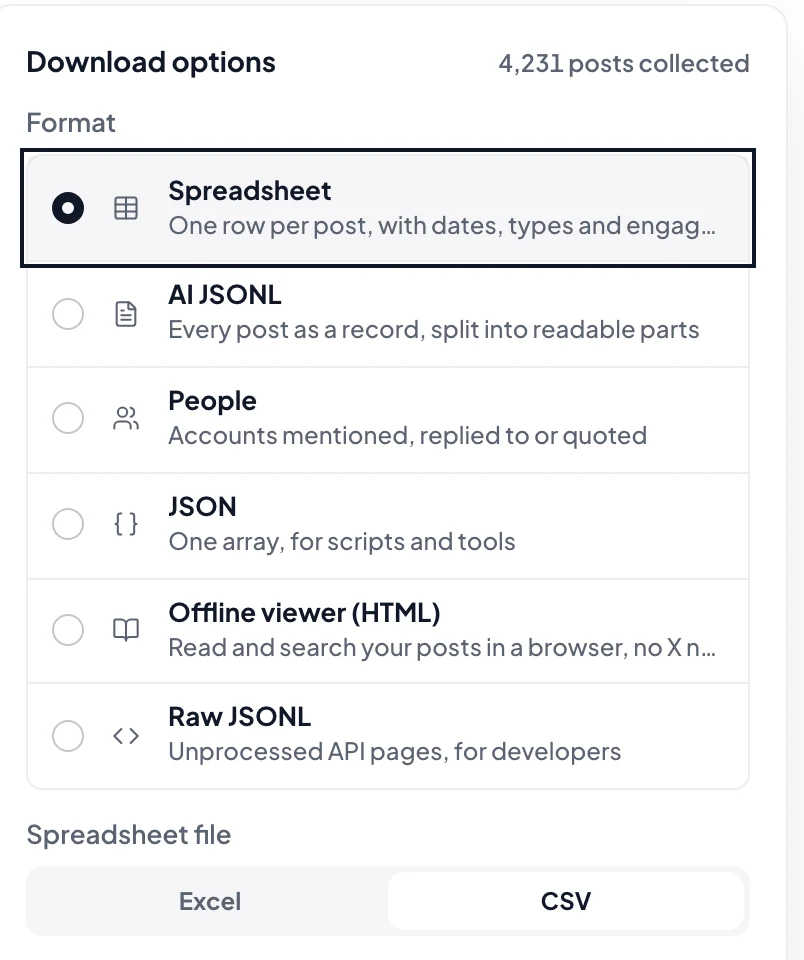
- Download a Spreadsheet (CSV or Excel) or JSON.
Search and filter the list first
Before you download, Find people on the finished export lets you search bios, names and places, and filter with one click:
- You follow or You don't follow, Follows you or Doesn't follow you
- Photo and bio, Has website
- Business, Creator, Affiliated, and the kinds of check mark
- the language a bio is written in
Each account shows its follower count and how old it is, and what you narrowed down can be saved as CSV, Excel or JSON on its own. This is on the free plan.
Ideas for the file
- Find who you follow that does not follow back: export your Following list and filter
follows_youto false. - Find the accounts worth knowing in a niche: export a well-known account's followers and sort by
followers_count. - Clean up: filter
default_profile_imageand aposts_countof zero to find empty accounts. - Spot who left: two exports a week apart can be compared; see how to see who unfollowed you.
Questions
Is there a limit? The free plan saves up to 1,000 accounts per export. Pro, a one-time $19.99, has no Creel limit; X's own pace still applies, so a list of hundreds of thousands takes a long time. Plans are on the Creel page.
Can I export a protected account's followers? Only if you can see that account's lists on X while signed in. Creel sees what your session sees, nothing more.
Does the account know I exported its followers? No. Reading the list is the same as scrolling it on X.
Is the list sent anywhere? No. It is collected and stored in your browser, and the file is saved to your computer.