Does the X (Twitter) archive include your bookmarks?
X's own description of the downloadable archive lists your posts, messages, media, followers and more, but not bookmarks. What the archive is good for, and how to get your bookmarks out instead.
Not as far as X says. Its help page on downloading your archive lists what is inside: your profile information, your posts, your Direct Messages, your media, a list of your followers and the accounts you follow, your address book, your Lists, inferred interests, ads data "and more". Bookmarks are not on that list.
So if bookmarks are what you want to keep, do not count on the archive. You need a live export of your bookmarks page.
What the archive is good for
- Your own posts, back to the first one, not just the roughly 3,200 your profile scrolls to. Posts you deleted are not in it.
- Your likes, as a list of post IDs, text and links, without authors or numbers.
- Followers and following at the time you requested it.
- Messages and media you sent.
It takes a few days to prepare, comes as a ZIP of data files, and covers only your own account. Request it under Settings, Your account, Download an archive of your data.
Getting your bookmarks out
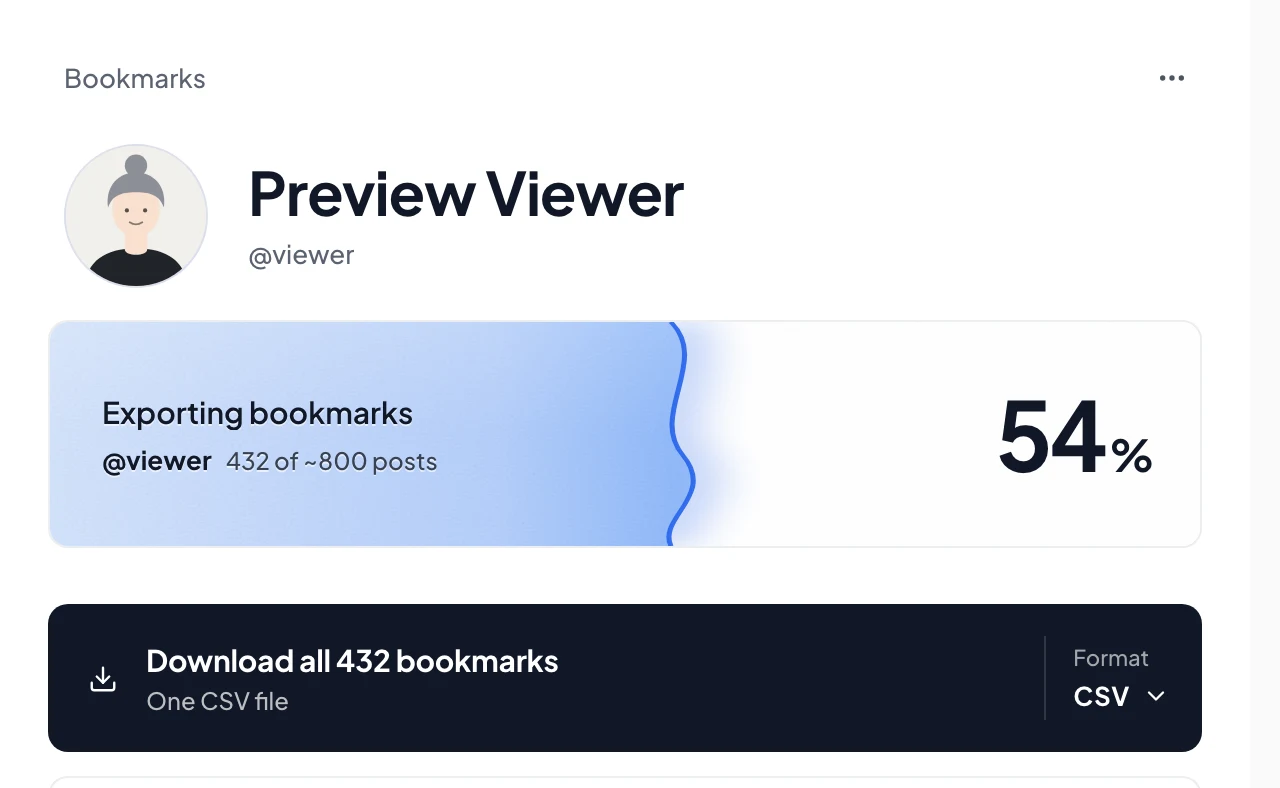
Creel, a Chrome extension I make, exports your bookmarks from the X session already signed in to your browser and writes them to your computer:
- Install Creel from the Chrome Web Store and pin it.
- Open your bookmarks on X (x.com/i/bookmarks) and click the Creel icon. Pick all bookmarks, or one folder if you use folders.
- Download a Spreadsheet (CSV or Excel), JSON, or an offline viewer you can search without X.
Each saved post comes with its text, author, date, numbers, media links and folder labels. The free plan saves up to 1,000 per export; Pro, a one-time $19.99, has no Creel limit. The full walkthrough is in how to export your X bookmarks.
Use both
The archive and a live export cover different things. Creel can also read your archive: in the Download Manager, Import your X archive turns the posts and likes in it into exports you can open in the viewer or download as a spreadsheet. Together you get your whole posting history from the archive and your bookmarks from the live export. (On the free plan, an import also keeps up to 1,000 records per export.)
Questions
Can I export someone else's bookmarks? No. Bookmarks are private on X; only you can see yours.
Why does it matter to back them up? A bookmark disappears when its post is deleted; see what happens to a bookmark when the post is deleted.
Is anything uploaded? No. Creel works in your browser and saves files on your computer.