How to download all posts from an X (Twitter) account, past the 3,200 limit
A profile on X only scrolls back about 3,200 posts. How to save an account's posts and replies as a spreadsheet, JSON or offline viewer, reaching the older ones too, and how to fill the gaps X leaves.
Scroll far enough down any busy profile on X and it stops: the timeline only hands out roughly the latest 3,200 posts. Older posts are usually still on X, just not reachable by scrolling. To save as much of an account's history as possible you have to go around the timeline, and then look for what was missed.
This guide uses Creel, a Chrome extension I make. It works from the X session already signed in to your browser, on your own account or any account you can see, and saves the posts on your computer.
What you get
- A spreadsheet (CSV or Excel), one row per post or reply: link, date, text, every engagement number, media, link cards and quoted posts.
- JSON for scripts, and an offline viewer to read and search the whole history without X.
- Replies included. Starting from a profile collects posts and replies, so you see the conversations too; the viewer can filter them out.
Step by step
- Install Creel from the Chrome Web Store and pin it.
- Open the profile on X and click the Creel icon. Choose Posts ("Posts & replies").
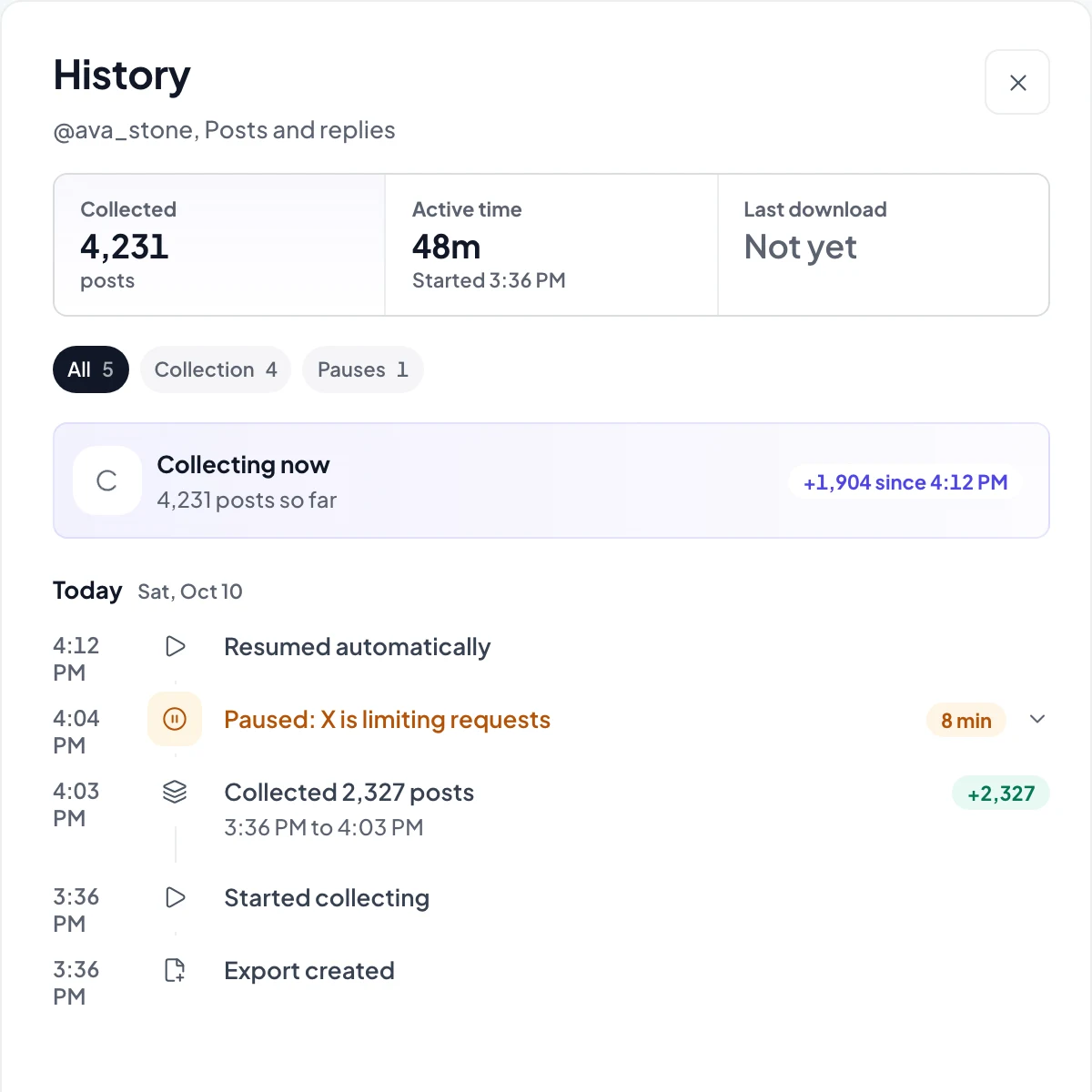
- Follow it in the Download Manager. X limits how fast posts can be read, so a long history takes a while; Creel waits, carries on by itself, and shows each pause in the export's history.
- Download a Spreadsheet, JSON or the offline viewer when it finishes.
Past the 3,200 posts
When the profile timeline runs out, Creel Pro keeps going through X search instead: it asks for that account's posts one date range at a time, walking back toward the first post. That reaches posts the timeline will not show.
Search has gaps of its own, so after the export finishes, Pro runs a coverage check that looks for posts X skipped and adds the ones it finds. You can run it again any time with Recheck and backfill on the export.
No method can promise every post. Deleted posts are gone, and a post X search does not return cannot be reached this way. In practice the timeline, the date-by-date search and the coverage check together get close; the export's history shows what each step added.
On the free plan, an export saves the first 1,000 posts. If the account has more, Creel says so and keeps what it saved; with Pro the same export continues from where it stopped.
Photos and videos
The spreadsheet links to every image and video. To save the files themselves, start a media export from the profile; downloading them as a folder or ZIP is part of Pro.
Other ways, honestly
- Your own X archive (Settings, Your account, Download an archive of your data) has every post you made, back to the first one. It takes a few days to prepare and only works for your own account. Creel can import it: choose Import your X archive in the Download Manager to read it in the viewer or turn it into a spreadsheet.
- X's advanced search with
from:usernameand a date range finds old posts one page at a time, which is fine for a handful and slow for a whole history.
Questions
Does it work on accounts I don't own? Yes, for any account you can see on X while signed in.
Will the account know? No. Reading posts is the same as scrolling the profile.
How much does it cost? The free plan saves up to 1,000 posts per export. Pro is a one-time $19.99 with no Creel limit, going past 3,200 and the coverage check. Plans are on the Creel page.