What happens to your X (Twitter) bookmark when the post is deleted?
When an author deletes a post, your bookmark of it goes with it, and so do its text and images. What disappears, what a backup keeps, and how to make one before it happens.
It goes with the post. A bookmark on X is only a pointer to someone else's post, so when the author deletes it, or their account is suspended, or you lose access to it, the post is gone from your bookmarks, or at best leaves a placeholder saying it is unavailable. Either way, the text and images you saved it for are no longer there, and X keeps no copy for you.
The only protection is a copy made before it happens. This guide shows what a backup keeps, using Creel, a Chrome extension I make.
What a backup keeps
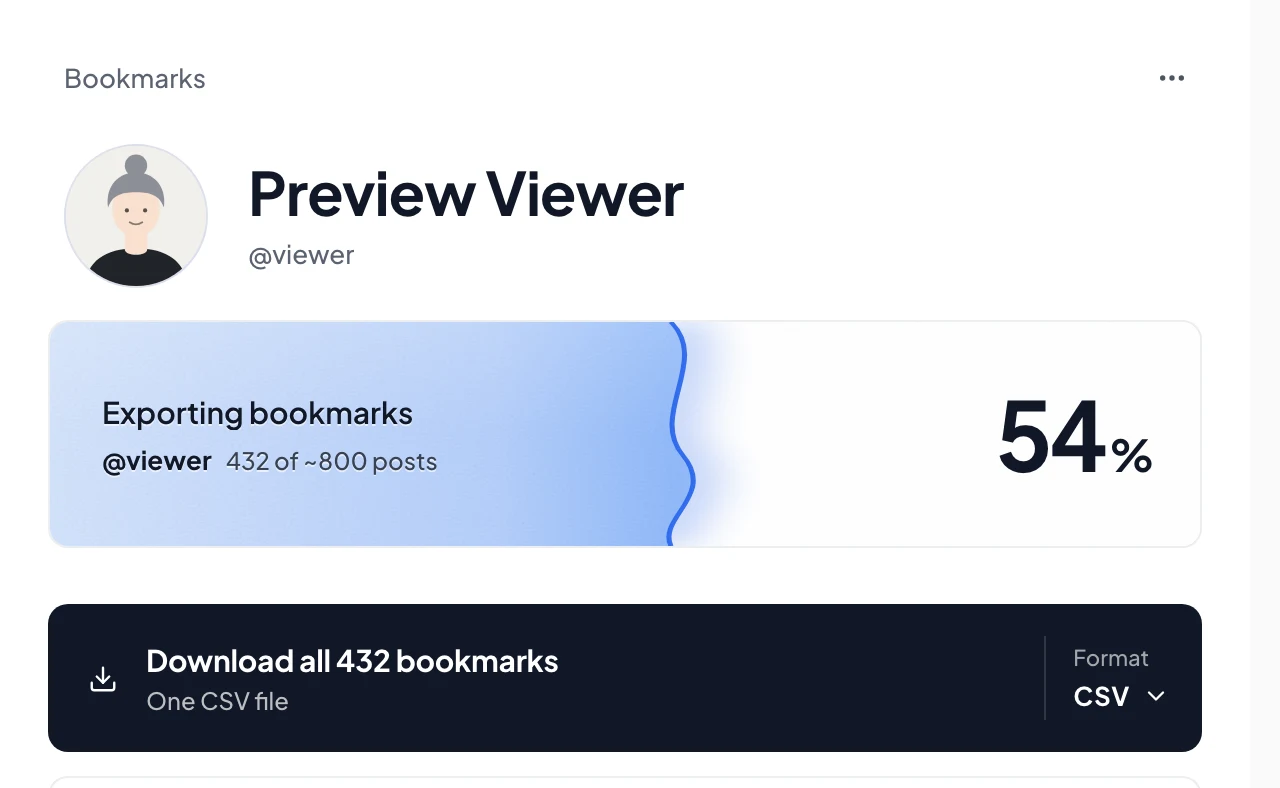
Exporting your bookmarks with Creel stores each post in your browser and in the files you download:
- Kept: the full text (including long posts), the author's username and name, the date, the numbers when collected, the link, the link card and the quoted post's text.
- Not kept: the images and videos themselves. A bookmarks export saves their links, and those links usually stop working once the post is deleted. Use the offline viewer or the spreadsheet while the post exists if a picture matters, or save it by hand.
Deleting a post on X does not touch the copy in Creel or in your files. They are on your computer.
Make the backup
- Install Creel from the Chrome Web Store and pin it.
- Open your bookmarks on X (x.com/i/bookmarks), click the Creel icon and start the export.
- Download a Spreadsheet, JSON or the offline viewer when it finishes.
- Repeat now and then. A backup only covers what existed on the day you made it, so export again after you have saved a batch of new posts.
The free plan saves up to 1,000 bookmarks per export. Pro, a one-time $19.99, has no Creel limit.
Can you tell which bookmarks were deleted?
Partly. With Max, turn on Auto update for a bookmarks export: each run is compared with the one before, and the export shows how many bookmarks are new and how many were removed. "Removed" covers both posts that were deleted and posts you un-bookmarked yourself; the two look the same from the outside. If a run could not read your whole list, Creel does not report a removed count rather than guess. Your earlier export still holds the removed posts, so you can find them there.
For a profile's posts, a Max Update goes further: it looks up a few of the posts it no longer sees (up to 20 lookups per update) and, when X says why, marks them Deleted, Repost undone or Original deleted.
Likes work the same way
A like is also a pointer. If you rely on your likes as a reading list, back them up the same way: see how to export your X likes.
Questions
Does the X archive keep deleted bookmarks? The archive X lets you download is described as your profile, posts, messages, media, followers, following and more; bookmarks are not on its list. See does the X archive include your bookmarks.
Is my backup uploaded anywhere? No. Creel stores it in your browser and saves files to your computer; there is no Creel server that sees it.
Can I recover a post I did not back up? Not through X. Sometimes the Internet Archive's Wayback Machine has a copy of a public post, if someone saved that page.