How do you search your X (Twitter) bookmarks?
X's bookmarks page is one long timeline with no filters. How to search every saved post by words, author, date, media or links, across your bookmarks, likes and posts at once.
On X, your bookmarks are one long timeline, newest first. There is no way to narrow it to one author, a date range or the posts with a link, so finding a post you saved a year ago means scrolling.
The way around it is to bring the bookmarks into something searchable. This guide uses Creel, a Chrome extension I make: it exports your bookmarks through the X session already signed in to your browser, keeps them in your browser, and lets you search them with filters. Searching is part of the free plan.
Search everything you exported
- Install Creel from the Chrome Web Store and pin it.
- Export your bookmarks: open x.com/i/bookmarks, click the Creel icon and start the export it offers.
- Open the Download Manager from the popup. In the search box at the top of the list (Search tasks and posts), type what you remember and choose Search posts for "…".
That searches every post export you have in Creel at once: bookmarks, likes and any profile you exported. Then narrow it down:
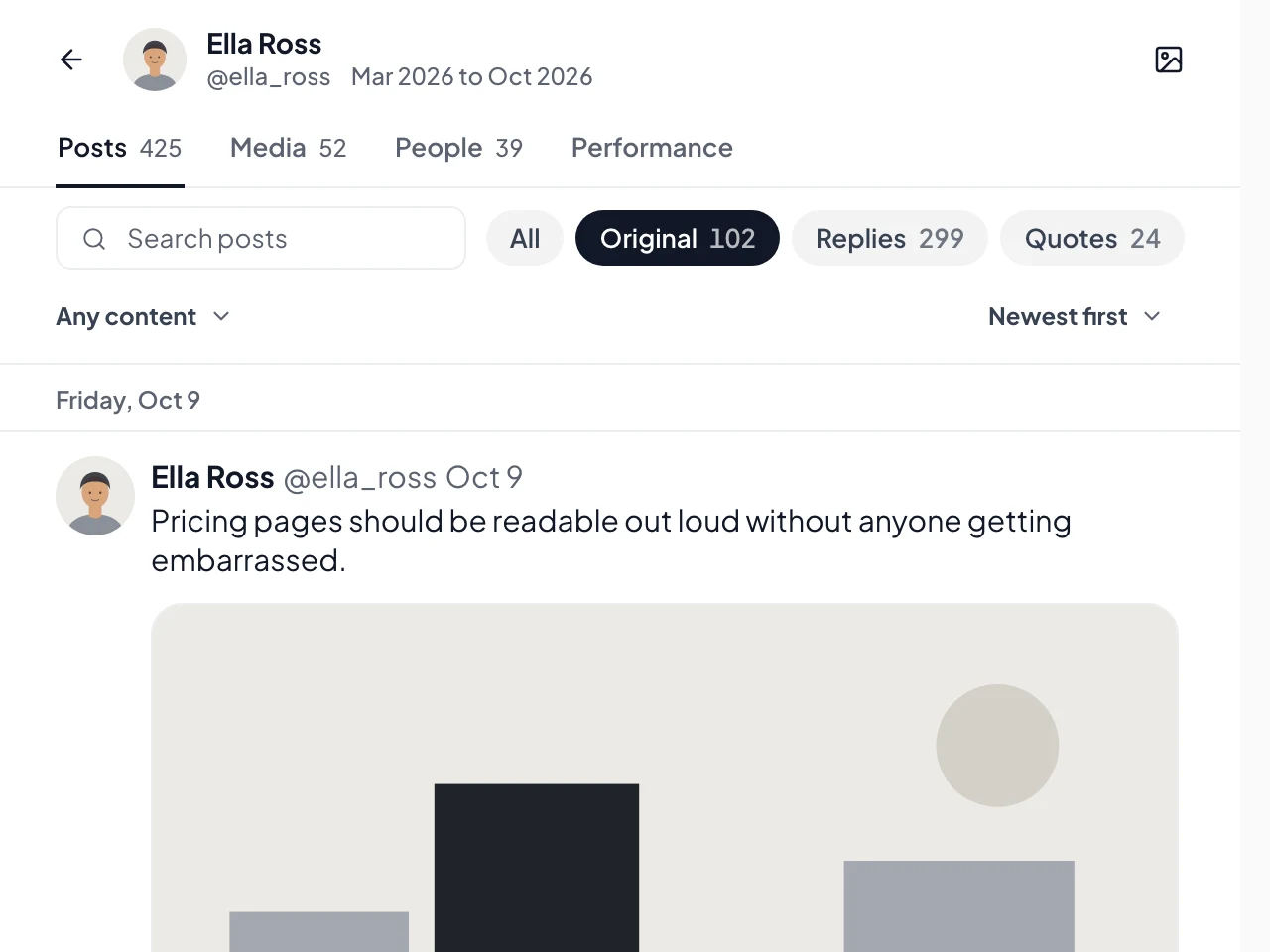
- Kind: original posts, replies, quotes or reposts.
- Filters: one export or all of them, an Author handle, a From and To date, Has media, Has link.
- Sort: newest first, oldest first or most liked.
A search shows up to 1,000 matching posts.
Search inside one export
Every post export also opens in Creel's viewer, and you can download it as an offline viewer: one HTML file that searches without X (a ZIP with the page inside for exports over 20,000 posts).
- Search covers the text, quoted posts, link titles, names, handles and image descriptions.
- Put a phrase in quotes to match it exactly.
- Paste a post's link to jump to that post.
- If nothing matches exactly, the viewer falls back to a looser match, so a half-remembered word still finds something.
Filters there cover type, media and links, and year, month, day or hour. See reading your bookmarks offline for the file.
Folders
Search does not filter by bookmark folder. If you want to search one folder only, export that folder on its own: Creel lists your folders when you start a bookmarks export. (Bookmark folders are a Premium feature on X.)
Other ways, honestly
- Scrolling and Ctrl+F works for recent bookmarks, as long as X has loaded them on the page.
- A spreadsheet of your bookmarks lets you filter columns such as
author_usernameandcreated_atin Excel or Google Sheets; see how to export your X bookmarks.
Questions
Does searching send my bookmarks anywhere? No. The posts are stored in your browser and searched there.
How many bookmarks can I search? As many as you export. The free plan saves up to 1,000 per export; Pro, a one-time $19.99, has no Creel limit. Plans are on the Creel page.
Do new bookmarks show up on their own? Search covers what you have collected. Export again to include newer ones, or, with Max, turn on Auto update and Creel collects them daily or weekly while Chrome is open and you are signed in to X.